RandR extension missing
Today in Spontaneous Computer Drama…
Ran routine package upgrades, rebooted as normal and, upon logging in, was greeted with a black screen. Not actually the first I’ve seen that, but upon some poking it seemed KDE wouldn’t start because of a problem with XRandR, despite it all being installed.
Just as I was ready to reinstall everything from scratch, I found that Xinerama was enabled, which was preventing RandR from initialising. So, to any fellow souls desperately searching ‘RandR extension missing’ or, perhaps, ‘there is no XRandR 1.2 and later version available’, try this: make sure your X11 config says Option "Xinerama" "0" and not Option "Xinerama" "1". And make sure you’re looking at the config file that’s actually getting loaded, too…
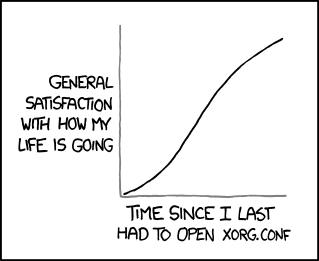
xkcd, X11. CC BY-NC 2.5